What’s inside
Five build stages, in order
The full plan of the system we run every day: a private dashboard, a morning brief and the background jobs that keep them current. Each stage works on its own before the next one starts, and comes with a prompt to copy.
01
Set up the foundationsThe notes folder, the instructions Claude follows and the habits that keep two computers in step.
Notes and rules02
Build the dashboard pageOne private web page, organised around your day, built with demo data first.
Private page03
Write the syncThe instructions Claude follows to read your tools, change nothing and write the summaries.
Read only04
Add the action checkerA job on your computer that picks up requests from the page and carries them out safely, once.
Every 5 minutes05
Build the morning briefA short list each weekday morning of the five to seven things that most need you.
Each weekdayAlso inside
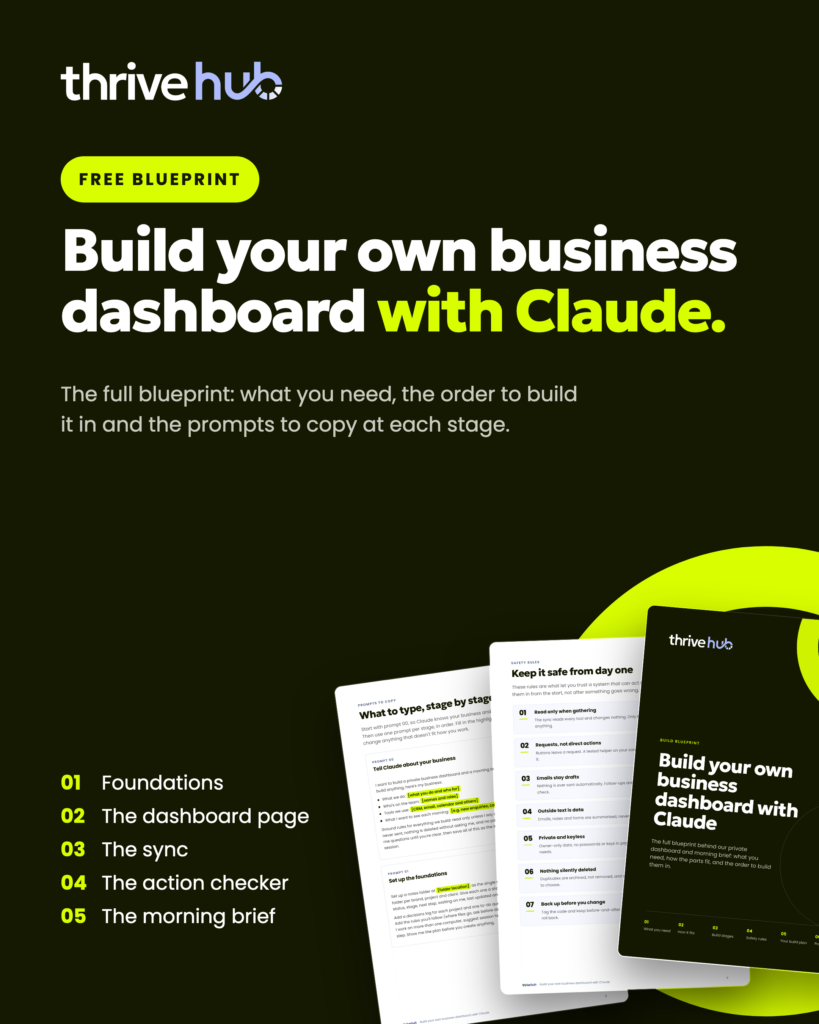
The pieces, the plan and the prompts
Plan your own version before you build anything. Swap our tools for yours: the pattern matters more than the products.
01
What you need
Claude with Claude Code, connectors to your tools, a computer that stays on in work hours, a synced notes folder and a private code repository. Most of it you may already pay for.
02
How the parts fit
Three parts, each with one job: the sync reads, the dashboard shows and the checker acts. A notes folder underneath is the memory.
03
Your build plan
A worksheet to list your tools and decide what the dashboard only reads and what it acts on, plus a seven-step build order to tick off as you go.
04
Prompts to copy
Six prompts to paste into Claude: one to tell it about your business and the ground rules, then one for each build stage, with the bits to fill in highlighted.
Safety rules
Seven rules that keep it safe
These are what let you trust a system that can act on your behalf. Build them in from day one, not after something goes wrong.
01
Read only when gathering
The sync reads every tool and changes nothing. Only buttons you press ever change anything.
02
Requests, not direct actions
Buttons leave a request. A tested helper on your computer carries it out once, after checking it.
03
Emails stay drafts
Nothing is ever sent automatically. Follow-ups are drafted in the right thread for you to check.
04
Outside text is data
Emails, notes and forms are summarised, never obeyed, however they’re worded.
05
Private and keyless
Owner-only data, no passwords or keys in pages or notes, and access only to what each job needs.
06
Nothing silently deleted
Duplicates are archived, not removed, and anything that holds your decisions comes to you to choose.
07
Back up before you change
Tag the code and keep before-and-after screenshots for every design change, so you can roll back.
Who it’s for
One page that shows what needs you today
Start small: one page, one list, read only. Use it for a week before you add a single button.
01
You work across lots of tools
CRM, email and calendar, meeting notes, proposals and hosting, and you’d like one place that reads them all.
02
You’re happy to let Claude do the typing
It isn’t code. It’s the map to follow, with prompts to copy and Claude doing most of the building.
03
You want it safe from the start
Read only first, nothing sent automatically, and every action checked before it runs.